Your Database,
On the Go.

Take your contact database with you. Know who's calling, scan business cards, run an inbox scrape from your phone, and share your details with a QR code — all synced with the web app.

Download on the
App Store
Coming Soon
Get it on
Google Play
Coming Soon
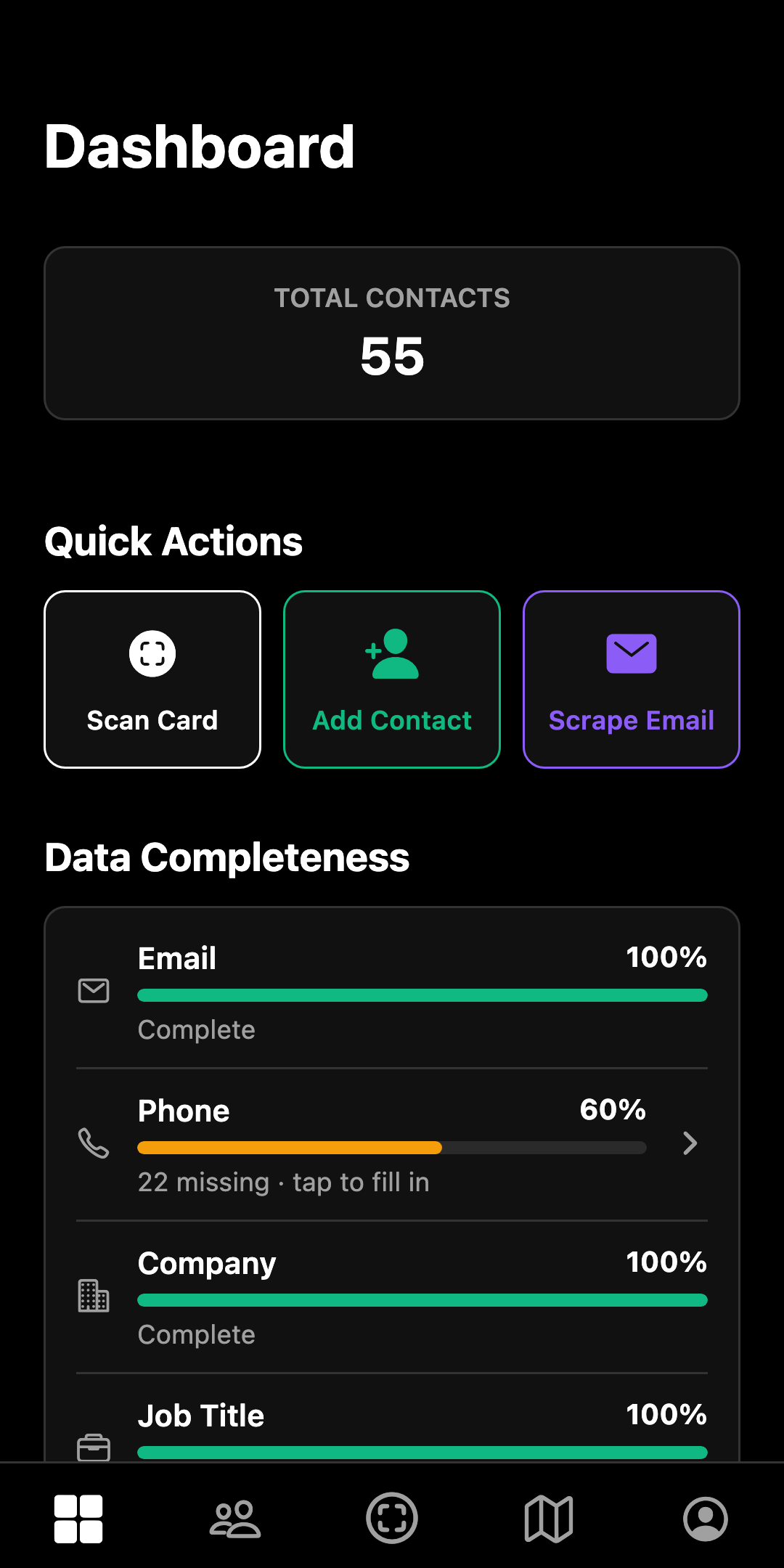
Sigbot mobile dashboard: total contacts, Scan Card, Add Contact and Scrape Email quick actions, and data completeness
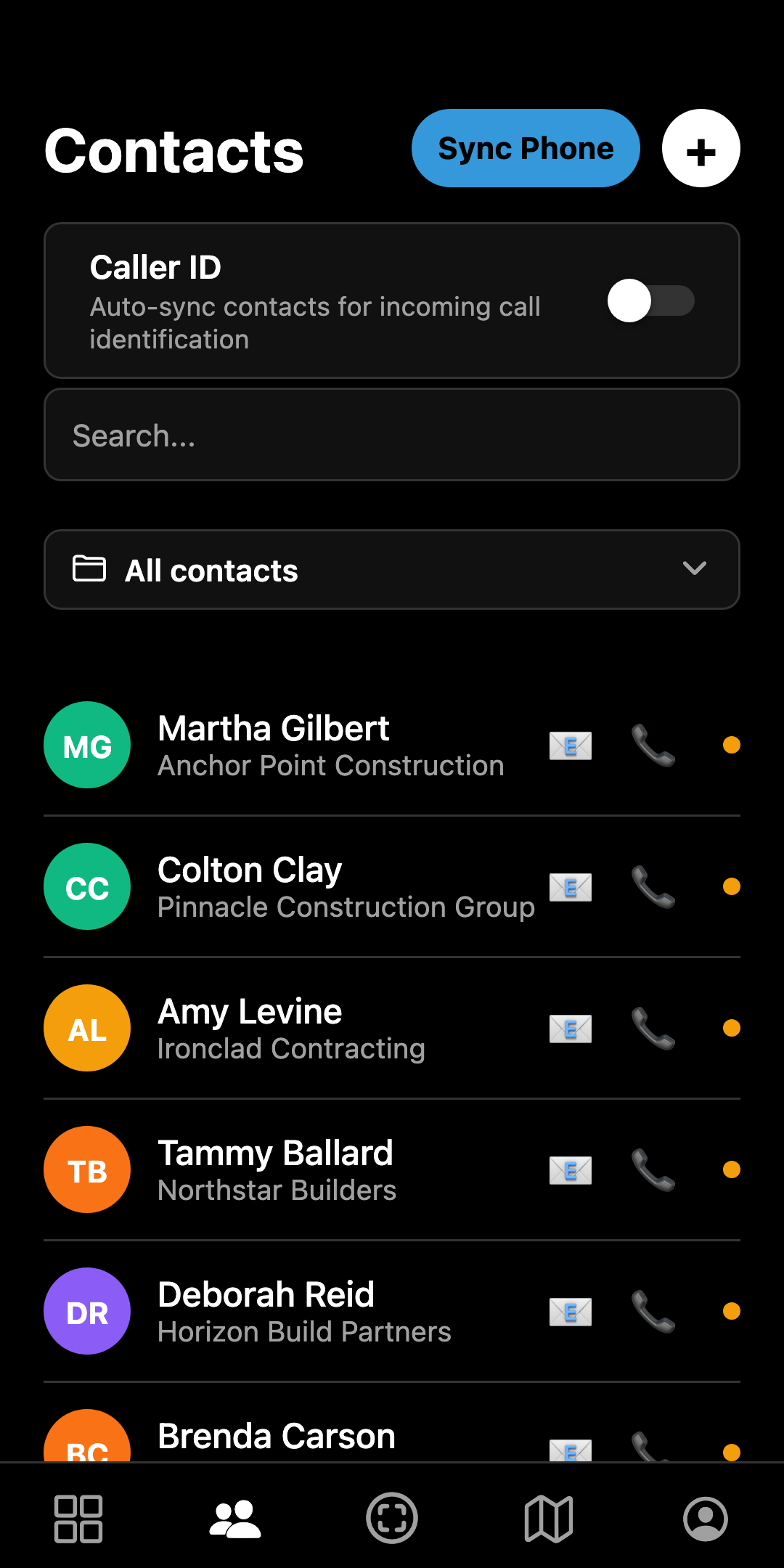
Sigbot mobile contacts list with Caller ID sync, Sync Phone, folder filter, and call and email buttons on every row
Rachel Thornton
Bayview Construction · Nanaimo
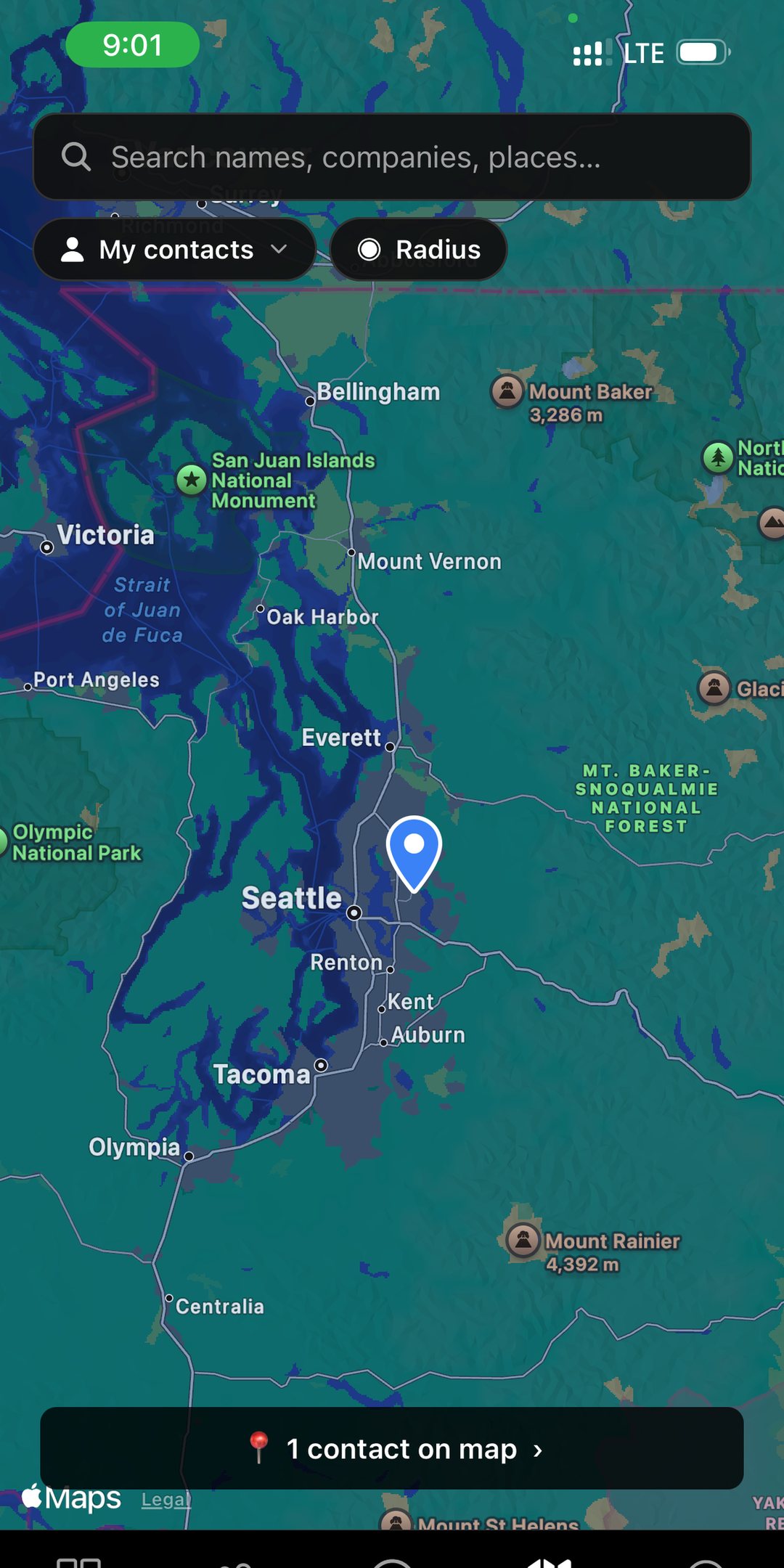
Map View
Scan Card
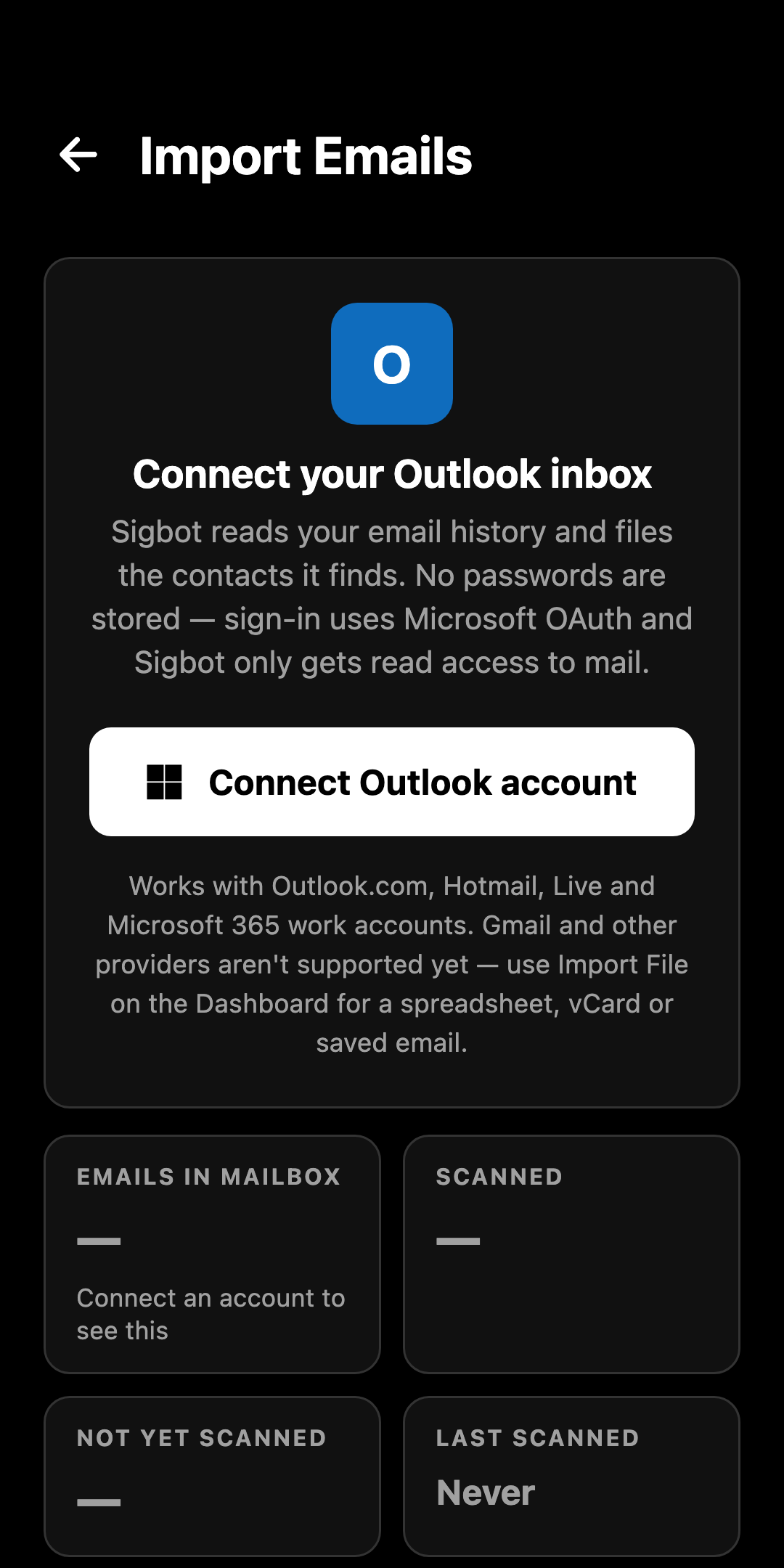
Sigbot mobile Scrape Outlook screen with the team scan pool and a Sign in with Microsoft button
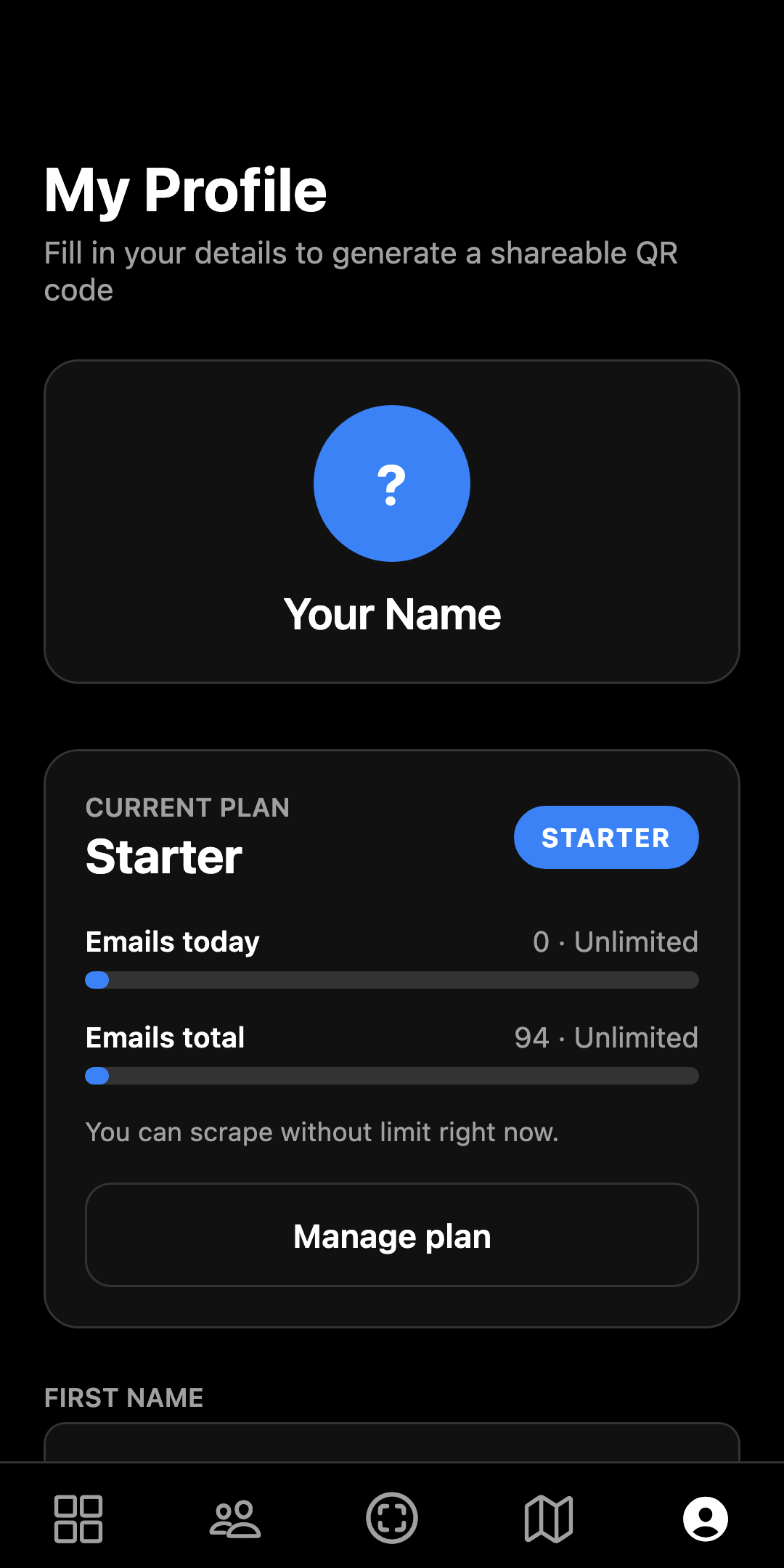
Sigbot mobile profile screen with the current plan card, usage meters, and the shareable QR profile

Dashboard Overview

Get a quick snapshot of your database growth and recently added contacts, with quick actions to scan a card or scrape your inbox right from the first screen.

Search, Call, Caller ID

Find anyone in seconds and start a call or email with one tap. Turn on Caller ID sync and Sigbot keeps your phone's own address book up to date, so the site manager who emailed you last week shows up by name when they ring. Your folders come along too — personal and team, colour-coded, exactly as they are on the web.

Map Visualization

See where your network is located. Perfect for planning site visits and meetings nearby.

Card Scanner

Met someone new? Snap a photo of their business card and Sigbot reads it, fills in the fields, and files the contact into your database — with a review step before anything is saved. Included on the Individual plan and up.

Scrape an Inbox From Your Phone

You don't need to be at a desk to fill your database. Sign in to Outlook with your Microsoft account — no password ever touches the app — and run a scrape on the spot. It's the same parser the web app uses, and every contact lands in the same synced database.

Profile & QR Code

Create your personal profile card and generate a vCard QR code so others can scan and save your contact details instantly — no app needed on their side.

Built for the field.

The full Sigbot database in your pocket — and a few things only a phone can do.

Caller ID sync

Auto-sync your Sigbot contacts into your phone's address book, so incoming calls show a name and company instead of a number.

Business-card scanner

Photograph a card and Sigbot reads it into a contact — name, title, company, phone, email — with a review step before it saves. Individual plan and up.

Inbox scraping on the go

Connect Outlook with a Microsoft sign-in and run a scrape from anywhere — the same server-side parser as the web app, no passwords stored on the phone.

Personal & team folders

The folders you set up on the web follow you — personal and team, one tap to filter the list down to a project or crew.

QR vCard sharing

Your details as a scannable QR code. Anyone with a camera can save you to their phone — they don't need Sigbot installed.

Always in sync

One database in the cloud. A card scanned on site is on your teammate's browser before you're back in the van — and vice versa.

Common questions

When can I get the app?

The Android app arrives on Google Play first, with the iOS App Store to follow — both are coming soon. Your account will work in the app the day it lands; in the meantime the web app has everything, from any browser.

Is the mobile app included in my plan?

Yes — the mobile app and cloud sync are included on every plan, Free included. Business-card scanning is part of the Individual plan and up. See pricing for the full comparison.

Do I need a separate account?

No. It's one account and one database everywhere — log in on mobile with the same details you use at sigbot.app and your contacts, folders, and plan come with you.

See all FAQs →

Your database will be ready before the app is.

Start free on the web today — connect your inbox, let Sigbot build your contact list, and it'll all be waiting in your pocket at launch.

Start free Explore the web app