Why are my Outlook contacts not showing on my iPhone?
Because they haven't been copied to it. Outlook keeps contacts in your mailbox, and the iPhone shows them only after you turn on Save Contacts in the Outlook app, or add the account in the iPhone's settings as a Microsoft Exchange account with Contacts turned on. Only the people saved as Outlook contacts are copied.
How do I get Outlook contacts on my iPhone without the Outlook app?
Add the account to the iPhone: Settings > Apps > Mail > Mail Accounts > Add Account > Microsoft Exchange. Sign in, turn on Contacts and tap Save. Some companies allow only the Outlook app on phones; if the account won't add, ask your IT team.
Should I use Save Contacts or an Exchange account?
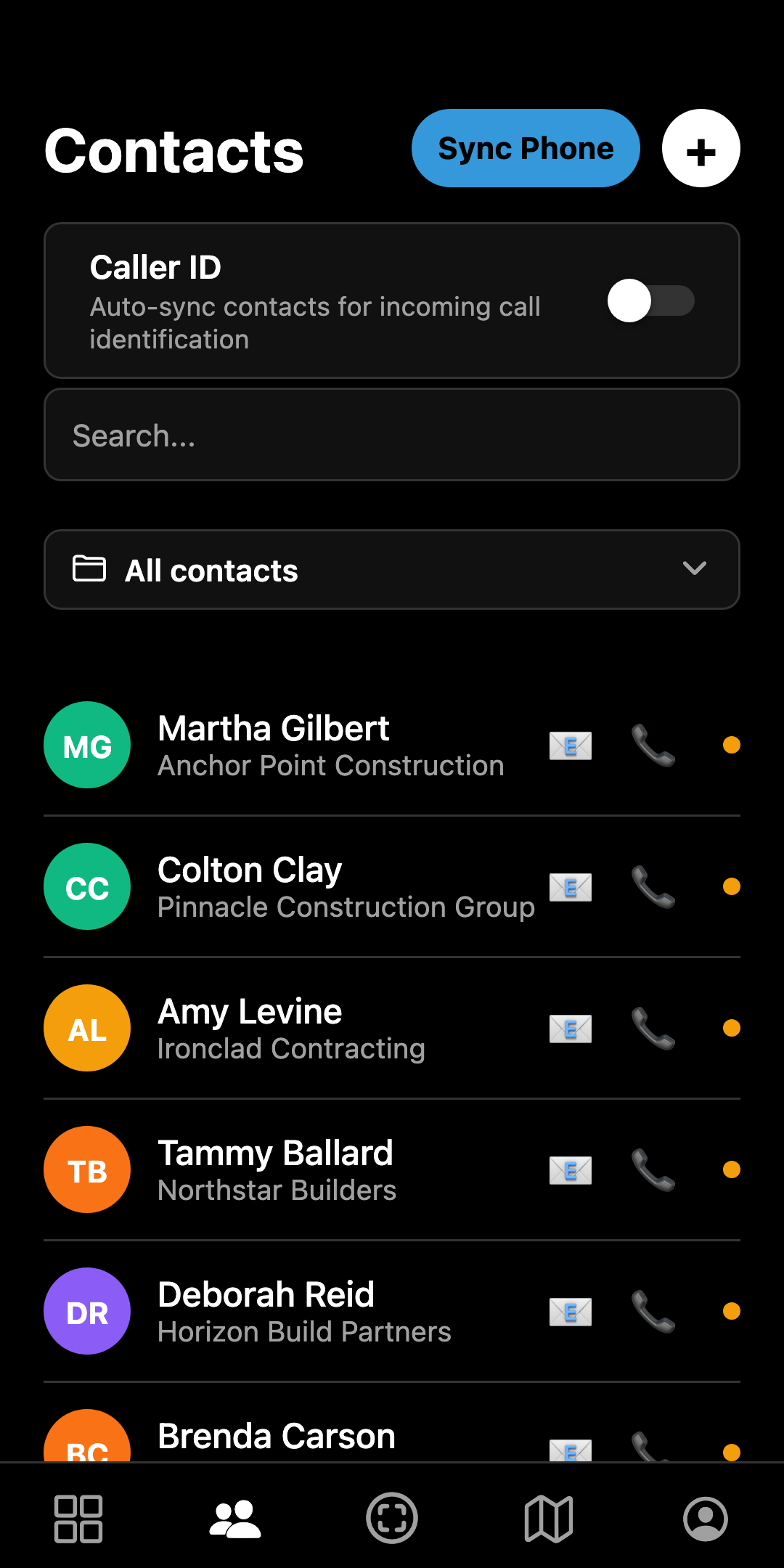
Either works, but pick one for each account so each person is copied once. Save Contacts puts copies in your iCloud contacts, and you edit them in Outlook. An Exchange account shows the mailbox's contacts as their own account in the Contacts app. At work, your company may allow only one of them.
Why are only some of my Outlook contacts on my iPhone?
Microsoft lists Outlook being suspended during the first copy, Save Contacts being on two devices at once, and sync errors over time. Leave Outlook open for the first copy, use one device, wait 24 hours and restart Outlook. Your company may also limit what's copied, and contacts kept only on a computer, in an Outlook data file, can't reach the phone.
Where do Outlook's saved contacts go on my iPhone?
Into your default contacts account, which Microsoft says should be iCloud, so they sync to your other Apple devices. If there's no other account on the iPhone, they're saved on the phone only.
How do I get Outlook contacts on my Android phone?
In Outlook, go to Settings, tap your account under Accounts, and switch on Sync Contacts. If the switch is disabled, turn on Auto sync data in the Accounts menu of your phone's settings. On Android, Outlook and the Contacts app sync both ways, so you can edit in either.
Will Outlook contacts show on iPhone calls without copying them?
Microsoft plans it. Its roadmap entry RM567006, "Outlook: Improvements to Save Contacts on iPhone and iPad", says Outlook contacts will be available across the iPhone (caller ID, Phone, Messages, Siri) through Apple's Contact Provider framework, without copying them onto the device. On 27 October 2026 it was in development, with general availability planned for January 2027.
Why isn't someone who emailed me in my phone's contacts?
Because they were never saved as an Outlook contact, and every Outlook route to the phone copies only saved contacts. Their details are in their email signature. Save them by hand, or use a tool such as Sigbot, which reads the signatures in Outlook and whose phone apps add those people to your phone's address book.